

Understanding Your Budget
Learn how Dialcash calculates your budget, which accounts influence it, and how to correctly interpret your balance.
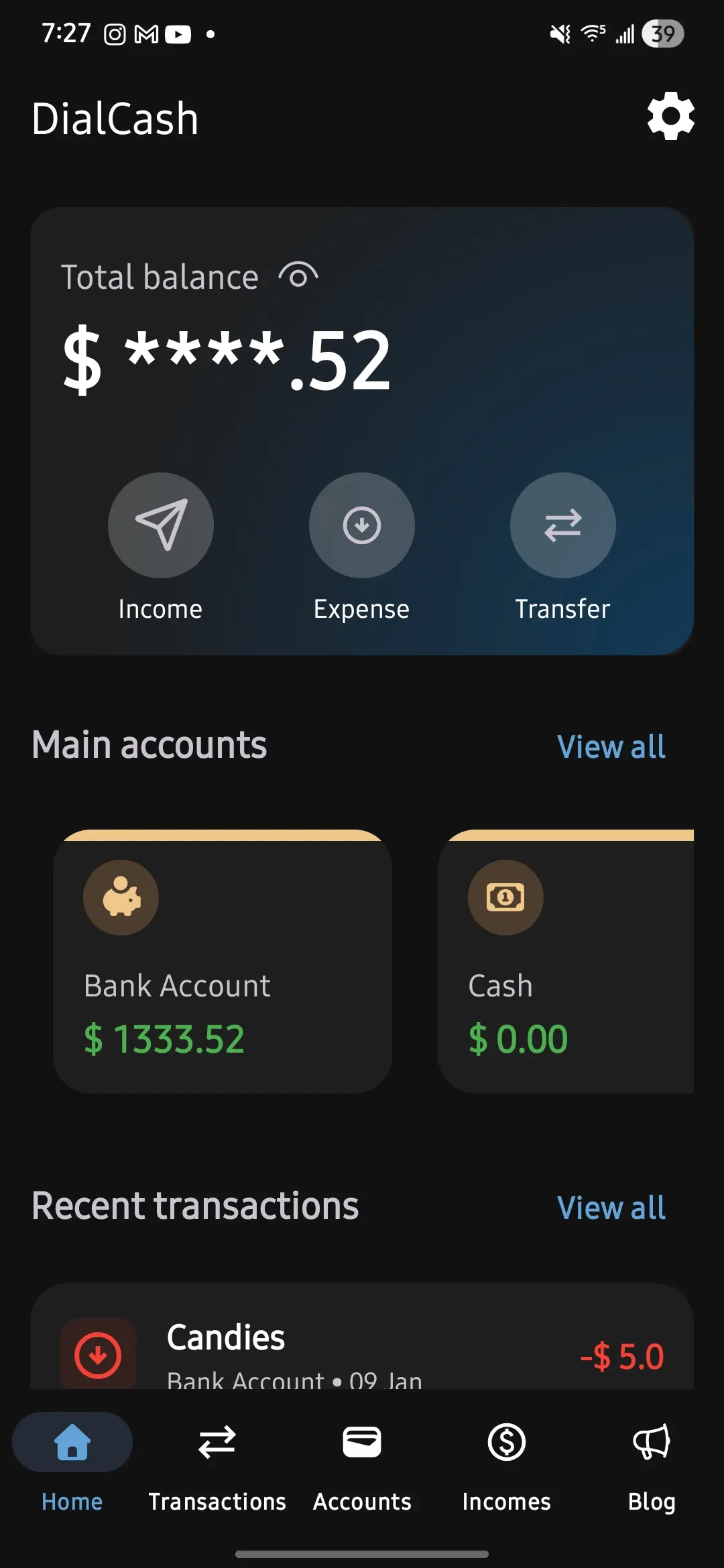
What is the Budget in Dialcash?
The budget in Dialcash represents an overview of your available money. It’s not a magic calculation or a prediction: it’s the direct result of your accounts and transactions.
If the budget doesn’t look correct, the cause is almost always:
- How your accounts are configured
- Or how you recorded your transactions
How Your Budget is Calculated
Dialcash doesn’t sum everything you have, it only considers certain accounts.
The budget is calculated from:
- The current balance of your main accounts
- The expenses and income recorded in them
👉 Accounts that are NOT main accounts do not affect the general budget
What are Main Accounts?
A main account is an account that represents money available for your day-to-day.
Common examples:
- Cash
- Main bank account
- Digital wallet
When an account is marked as main:
- Its balance is added to the budget
- Its transactions affect the total shown on the main screen
Which Accounts Should NOT be Main?
Not all money should be counted as available.
Examples of accounts that normally should not be main:
- Long-term savings
- Reserved funds
- Money set aside for a specific goal
These accounts exist to better organize your money, but not to inflate your daily budget.
How Transactions Affect the Budget
Each transaction recorded in a main account:
- 💸 Expense → reduces the budget
- 💰 Income → increases the budget
If the transaction is recorded in a non-main account:
- The general budget doesn’t change
- Only that account’s balance is updated
This allows you to keep track without mixing objectives.
Transfers Between Accounts and Budget
Moving money between accounts doesn’t create or destroy money.
When you transfer money:
- One account’s balance goes down
- Another’s goes up
- The total budget only changes if one of the accounts is main
This is normal and expected.
Common Mistakes When Interpreting the Budget
❌ “My budget doesn’t match my real money”
Check:
- Which accounts are marked as main
- If you recorded income as expenses (or vice versa)
❌ “My budget went up for no reason”
Probably:
- You marked an account as main
- Or you recorded an income without noticing
❌ “My savings appear as available money”
Solution:
- Unmark that account as main
Best Practices for a Reliable Budget
- Use main accounts only for actually available money
- Record income and expenses in the correct account
- Review your budget frequently
- Adjust account settings if your situation changes
A good budget isn’t perfect, it’s useful.
Summary
The budget in Dialcash:
- Depends on your main accounts
- Changes with each relevant transaction
- Reflects your available money, not all your money
Understanding this will allow you to use the app confidently and avoid confusion.
Visual Guide
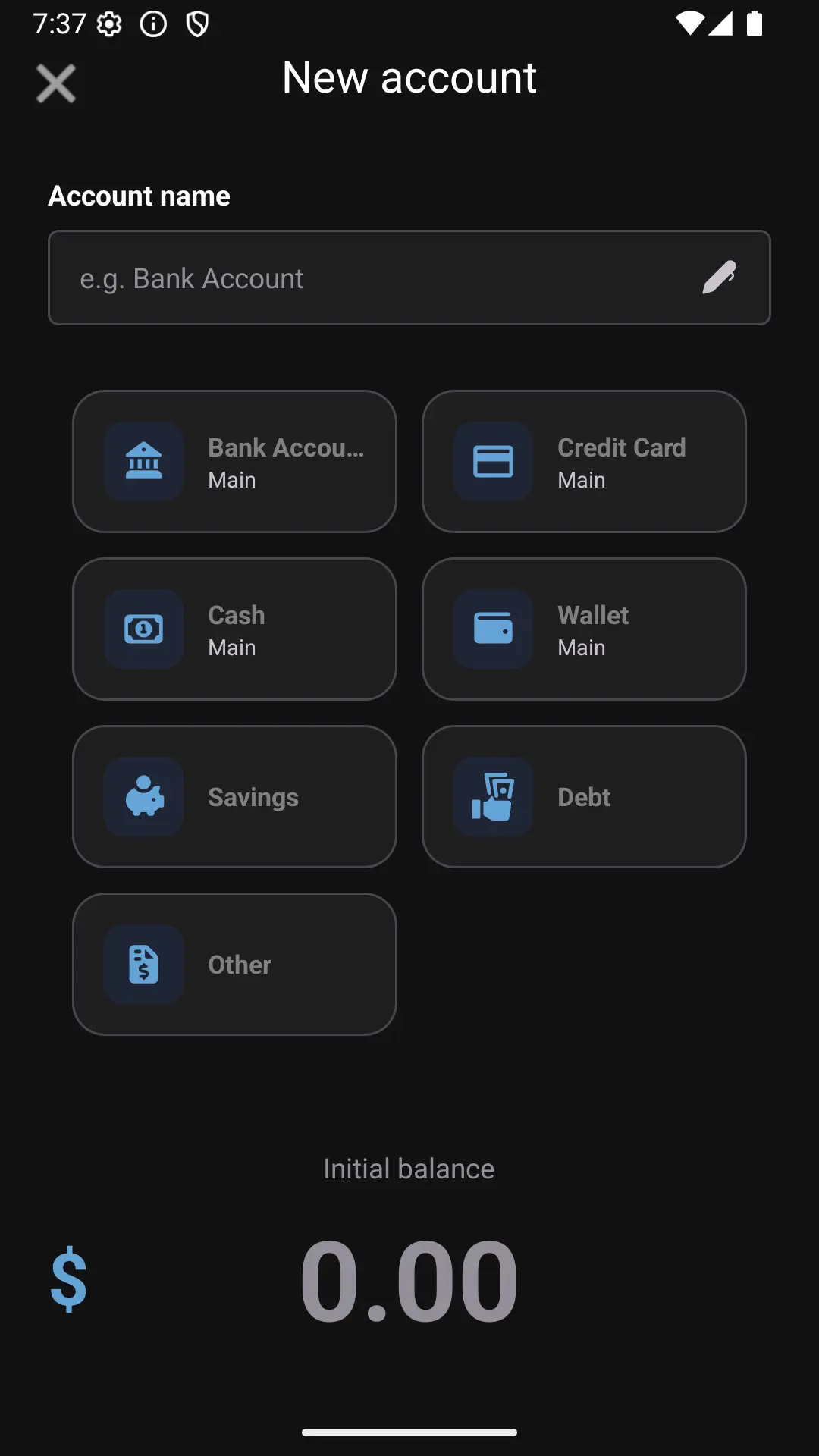
Selecting a main account for budget calculation