

Learn how to use Dialcash
Organize your expenses and income in a simple and conscious way
Introduction
Dialcash is designed to help you understand your money clearly. It doesn't seek to replace a bank or automate everything, but rather give you control and visibility over your personal finances.
Your Financial Workflow
Dialcash follows a simple three-step process to help you take control of your money
Record Your Transactions
Quickly log every expense and income as they happen. Add details like amount, category, date, and optional notes to keep track of your financial activity.
Record Your Transactions
Fast & Simple
Keep Everything Organized
Use categories and tags to organize your transactions. Filter by date, type, or amount to find exactly what you need in seconds.
Keep Everything Organized
Smart Organization
Review & Analyze
Visualize your spending patterns with clear insights. Understand where your money goes and make informed financial decisions over time.
Review & Analyze
Data-Driven Insights
Ready to start managing your finances?
Download DialcashRecording Expenses and Income
Build your financial picture one transaction at a time
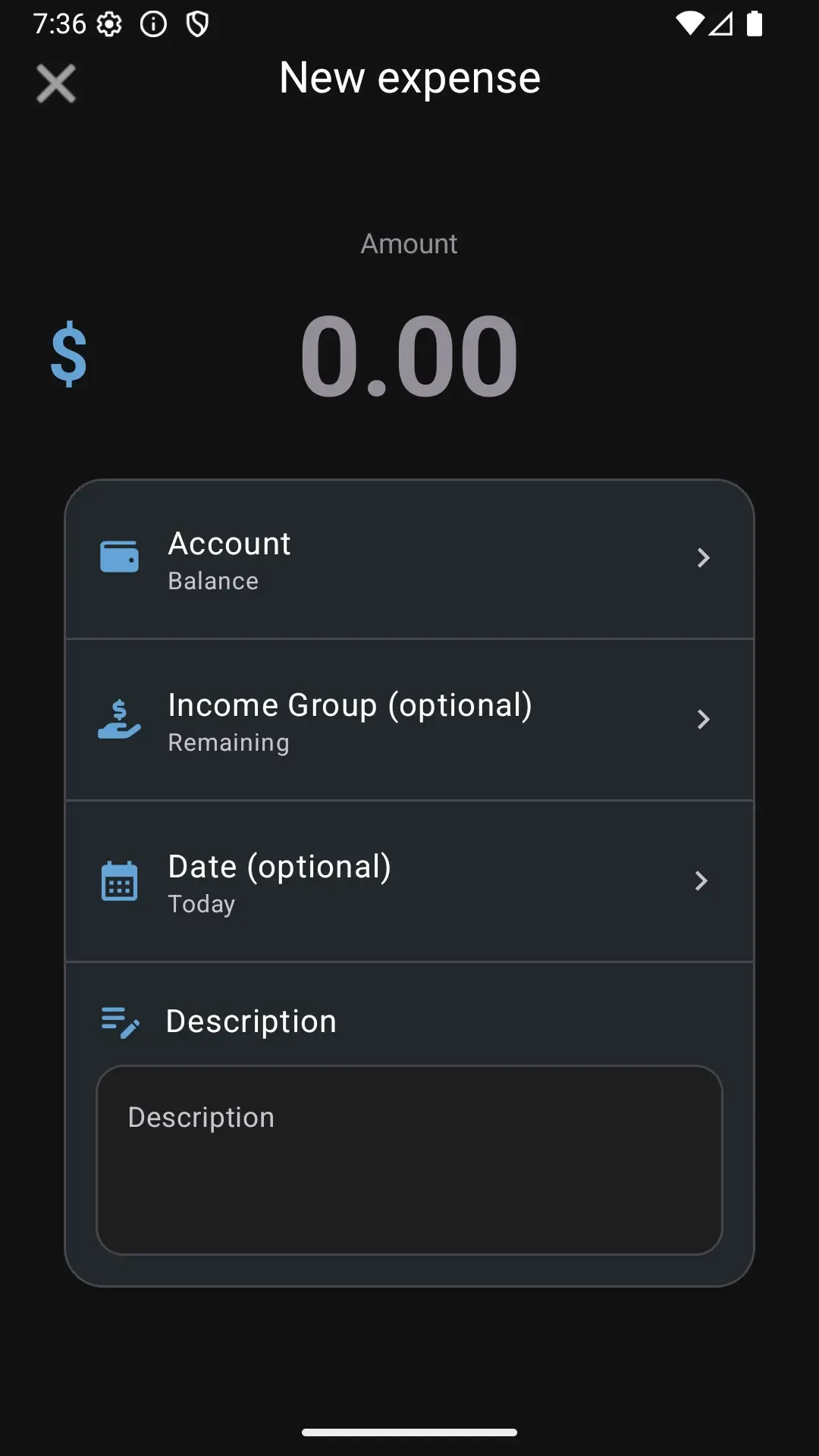
Recording your transactions is the foundation of everything in Dialcash. Each expense or income you log builds a clearer picture of how you use your money day by day.
Pro Tip
You don't need to be exact to the cent or record absolutely everything from day one. What matters is creating the habit and being consistent over time.
Organizing Your Information
Keep your financial history clear and accessible
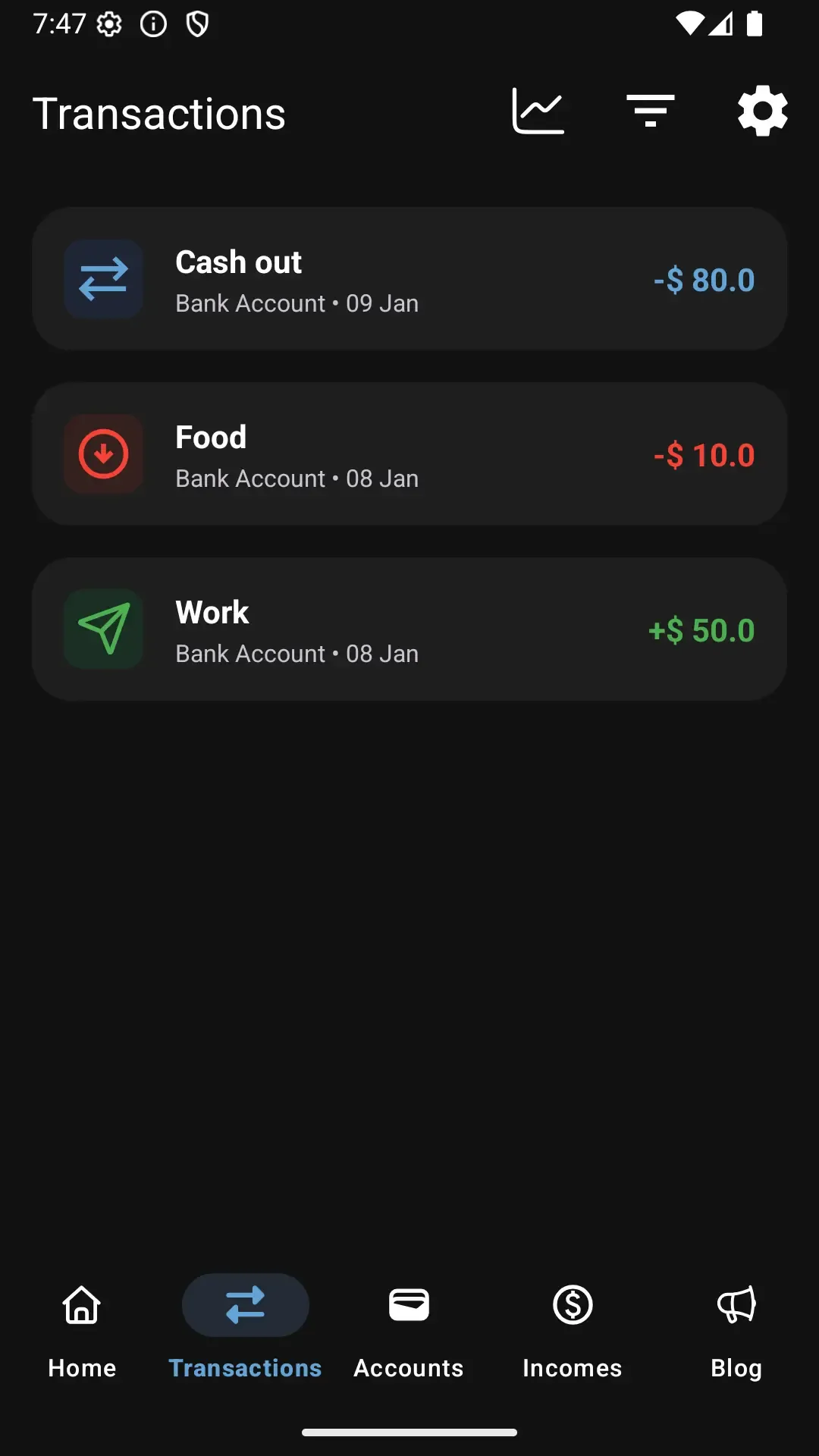
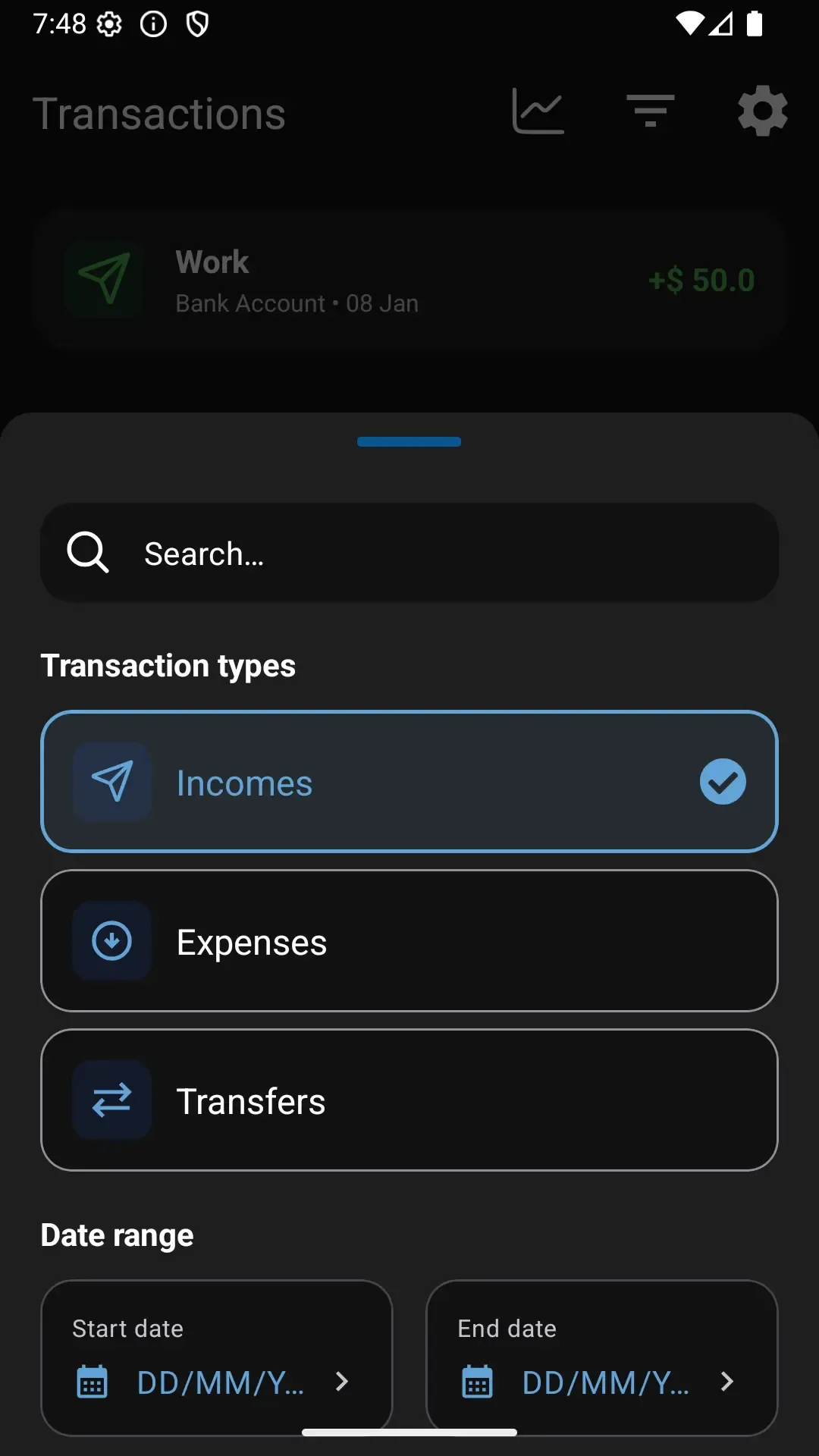
Dialcash organizes all your transactions in a clear, chronological list, allowing you to easily review what expenses and income you've recorded.
Pro Tip
The goal isn't just to record, but to be able to look back and understand what financial decisions you made at any given time.
Main Accounts and General Budget
Track your real available money accurately
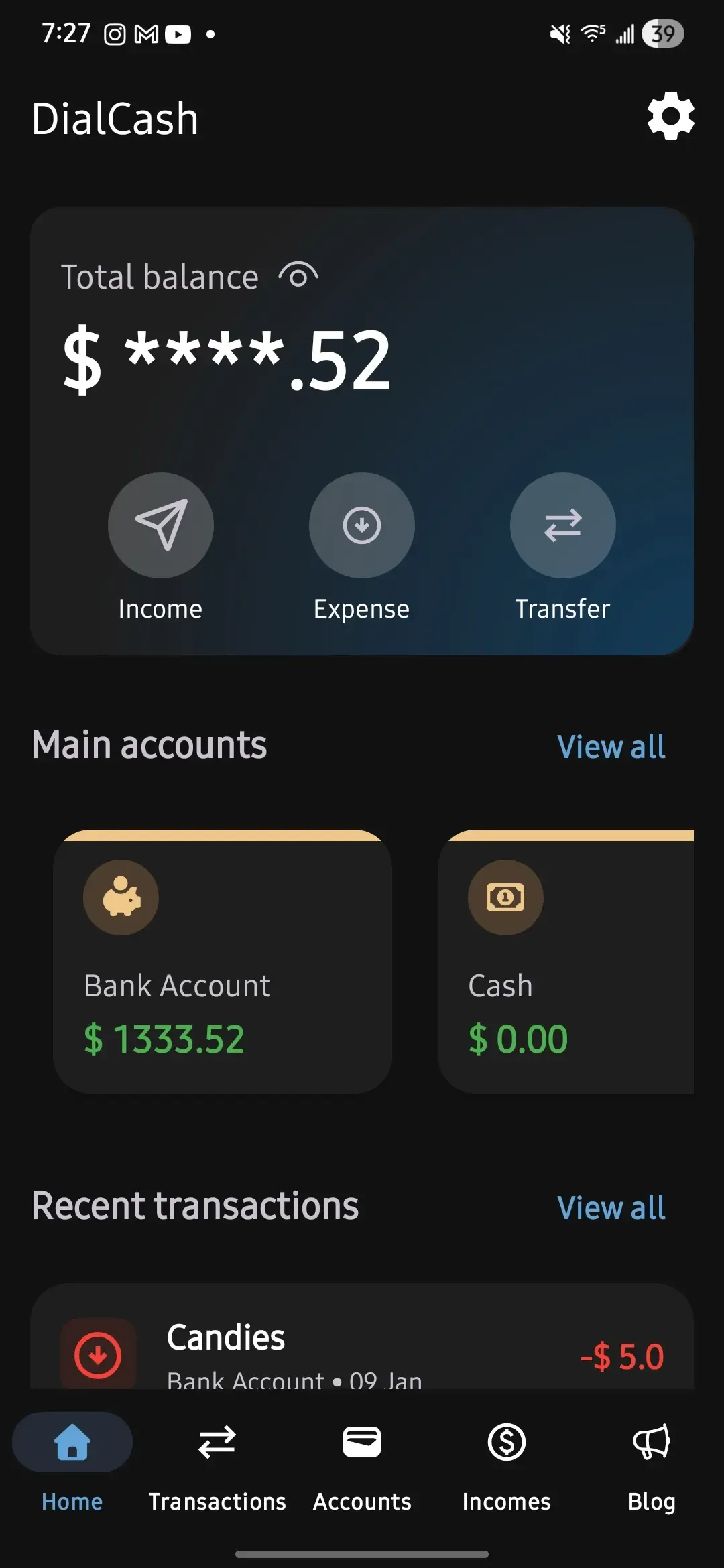
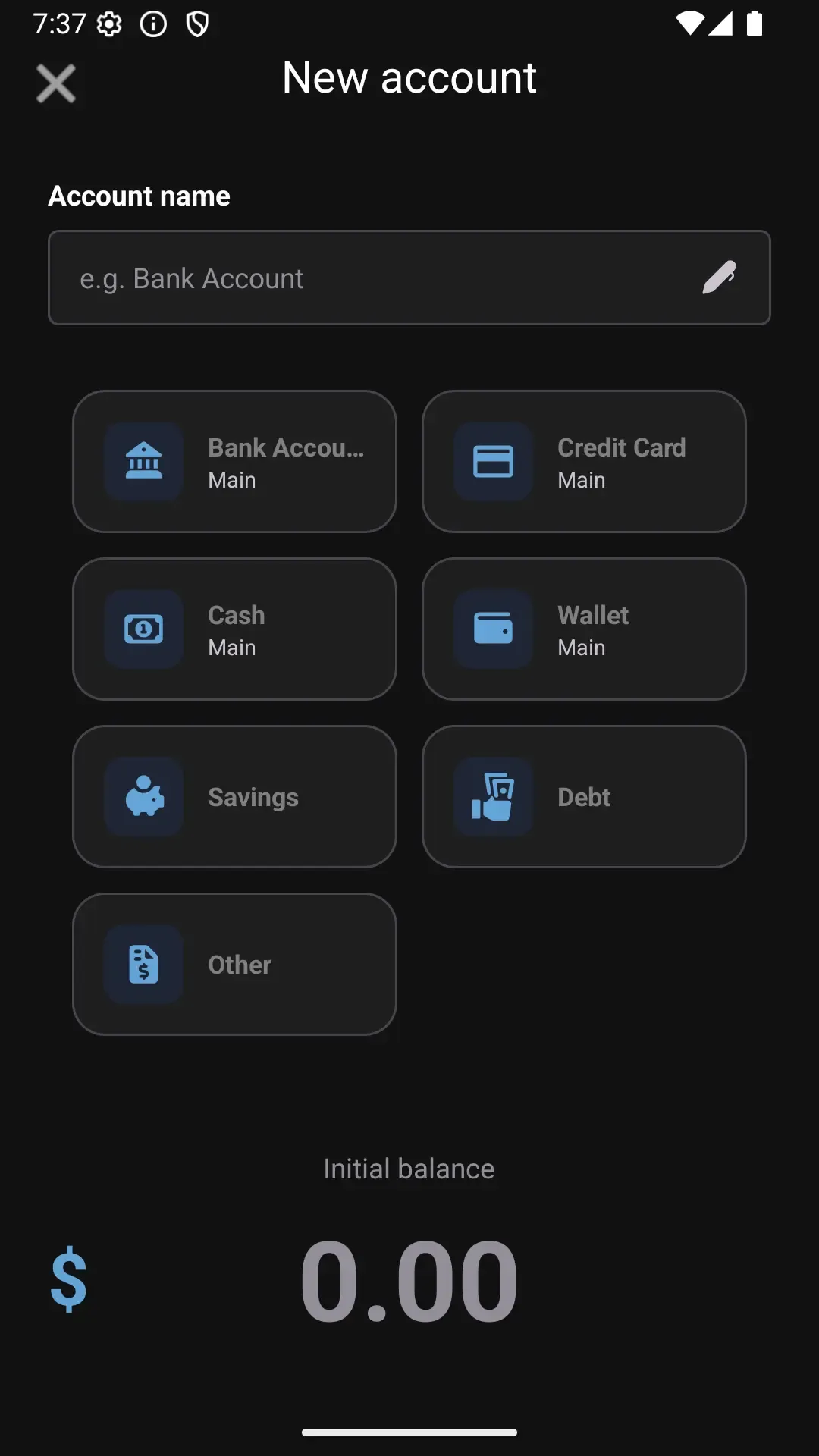
In Dialcash, some accounts can be marked as main accounts across categories like Bank Accounts, Cash, Cards, or Digital Wallets. These accounts represent your primary money and are used to display your general budget on the main screen.
Pro Tip
Choosing which accounts are main accounts correctly will help you better interpret the information Dialcash displays.
Best Practices for Success
Follow these simple guidelines to get the most out of Dialcash and build lasting financial habits
Record Immediately
Log your expenses as soon as they happen. The fresher the memory, the more accurate your records.
Be Consistent, Not Perfect
Focus on building a habit rather than recording every single cent. Consistency beats perfection.
Review Regularly
Check your transaction history weekly or monthly to identify patterns and adjust your spending habits.
Use as Support, Not Obligation
Dialcash is a tool to help you, not stress you out. Make it work for your lifestyle, not against it.
What Dialcash Is Not
Understanding what Dialcash doesn't do is just as important as knowing what it does
Not a Banking App
Dialcash doesn't connect to your bank or make real transactions. It's a tracking tool, not a financial service.
No Money Transfers
You cannot send or receive actual money through Dialcash. It only records your financial activity.
Local Storage Only
All your information is stored locally on your device. We don't have access to your financial data.
Privacy First
Your data never leaves your phone. No cloud syncing, no external servers, complete privacy.
Dialcash is a Financial Tracking Tool
Think of Dialcash as your personal financial notebook. It helps you understand your spending patterns and make better financial decisions, but it doesn't handle actual money or connect to your bank accounts.
All information is stored locally on your device for maximum privacy and security. You have complete control over your data at all times.