

Download Dialcash for Android
Free expense tracking app to control your spending and income directly from your phone
Dialcash
Expense Tracker for Android
Technical Details
Current Version
1.2.0
File Type
APK
File Size
12 MB
Last Updated
April 22, 2026
Minimum Android
6.0
Why You Can Trust This Download
Verified Safe
Scanned and verified free of malware and viruses
No Permissions Abuse
Only requests necessary permissions for core functionality
Regular Updates
Continuously improved with bug fixes and new features
Open Source
Transparent development available on GitHub
Ready to start tracking your expenses?
Download Dialcash APKHow to Install Dialcash
Follow these simple steps to install Dialcash on your Android device
Download the APK
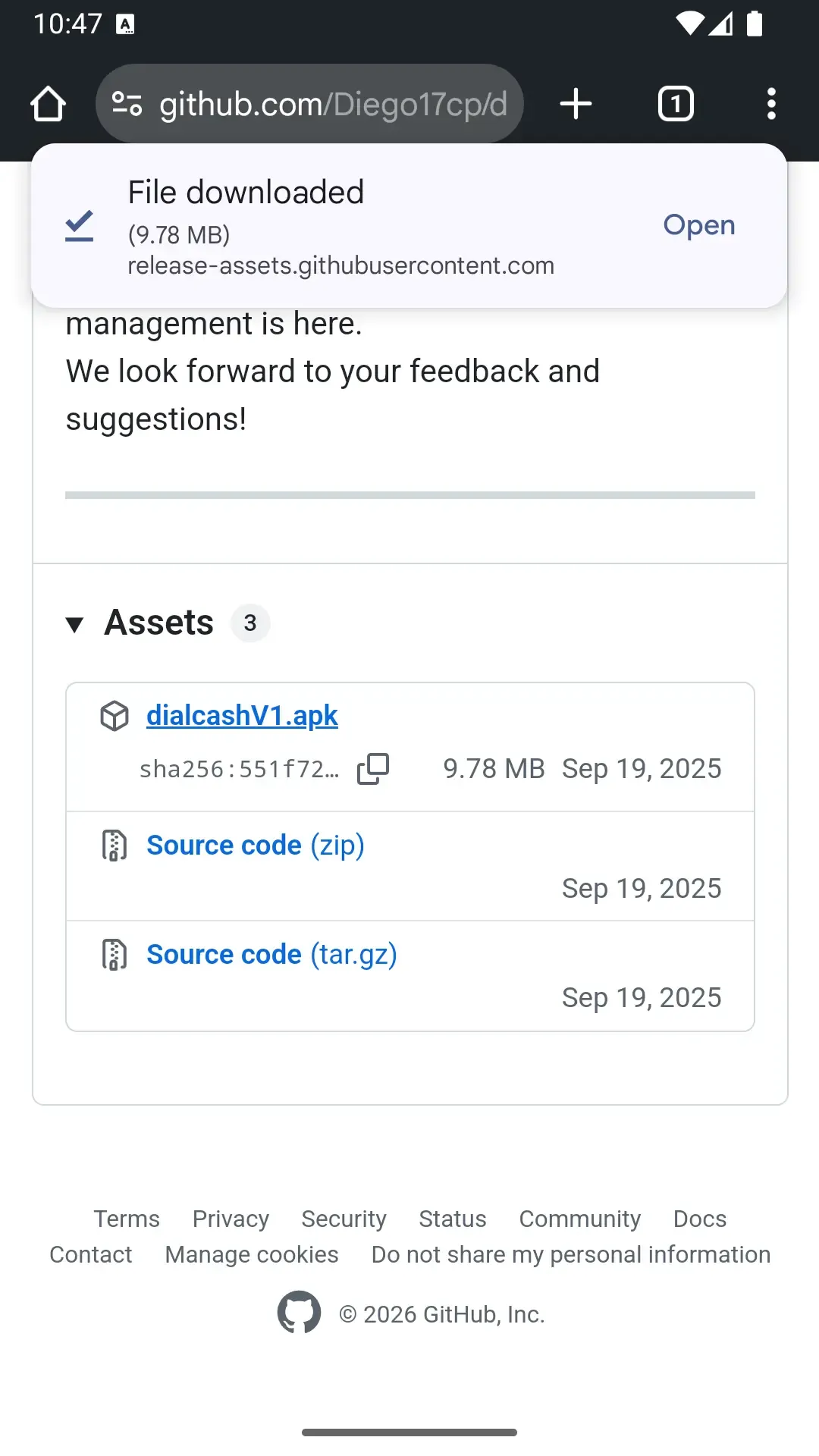
Download the APK file from this page using the button above. In the page that opens, scroll down until you find the 'dialcashV1.apk' link and tap it to start the download.
The download will start automatically. Check your notification bar to see the progress.
Allow External App Installation
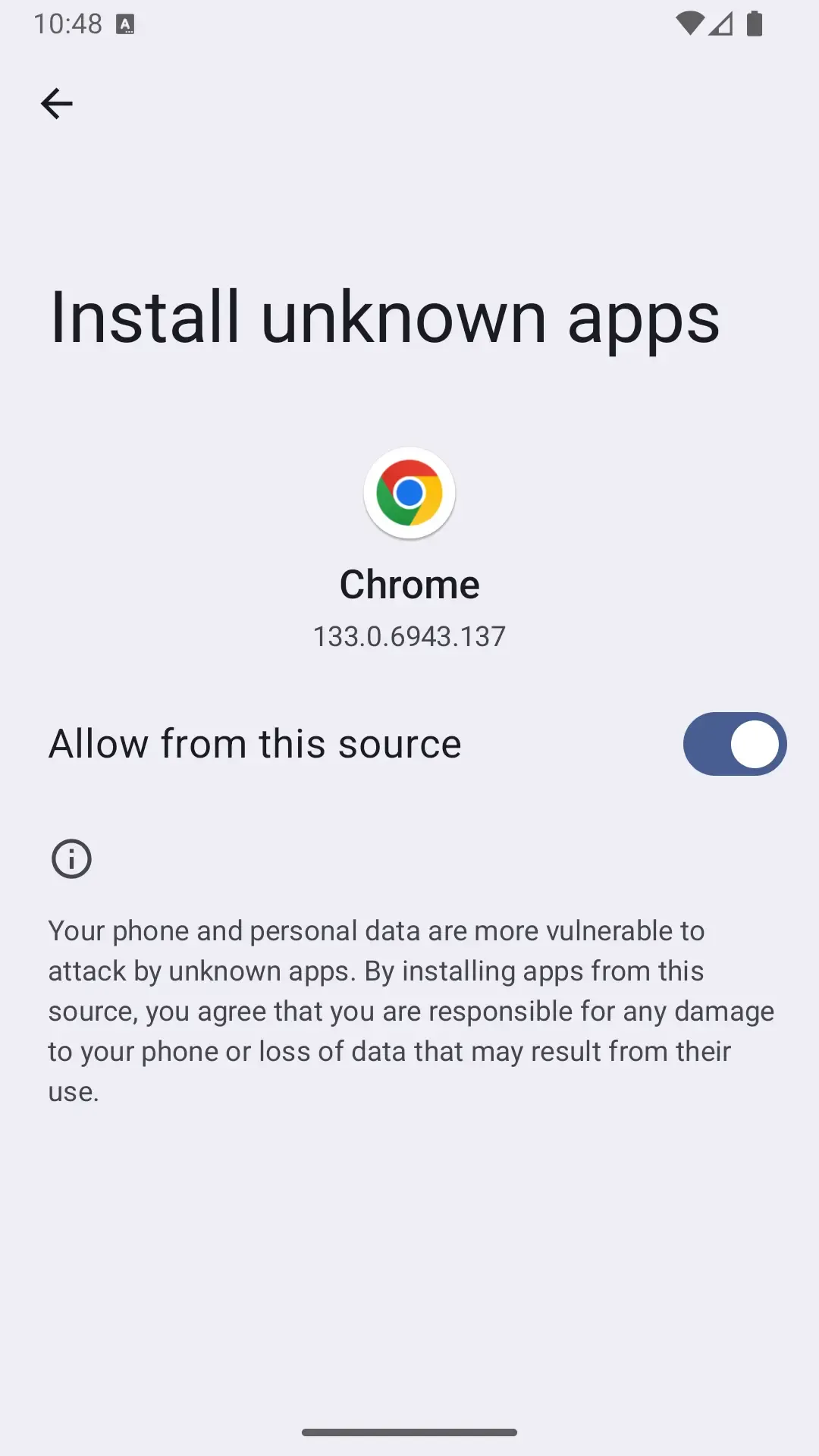
Android will ask for permission to install apps from external sources. You need to enable this option to continue.
Dialcash is not on the Play Store, which is why Android shows this warning. This is a standard security measure.
Google Play Protect (Optional)
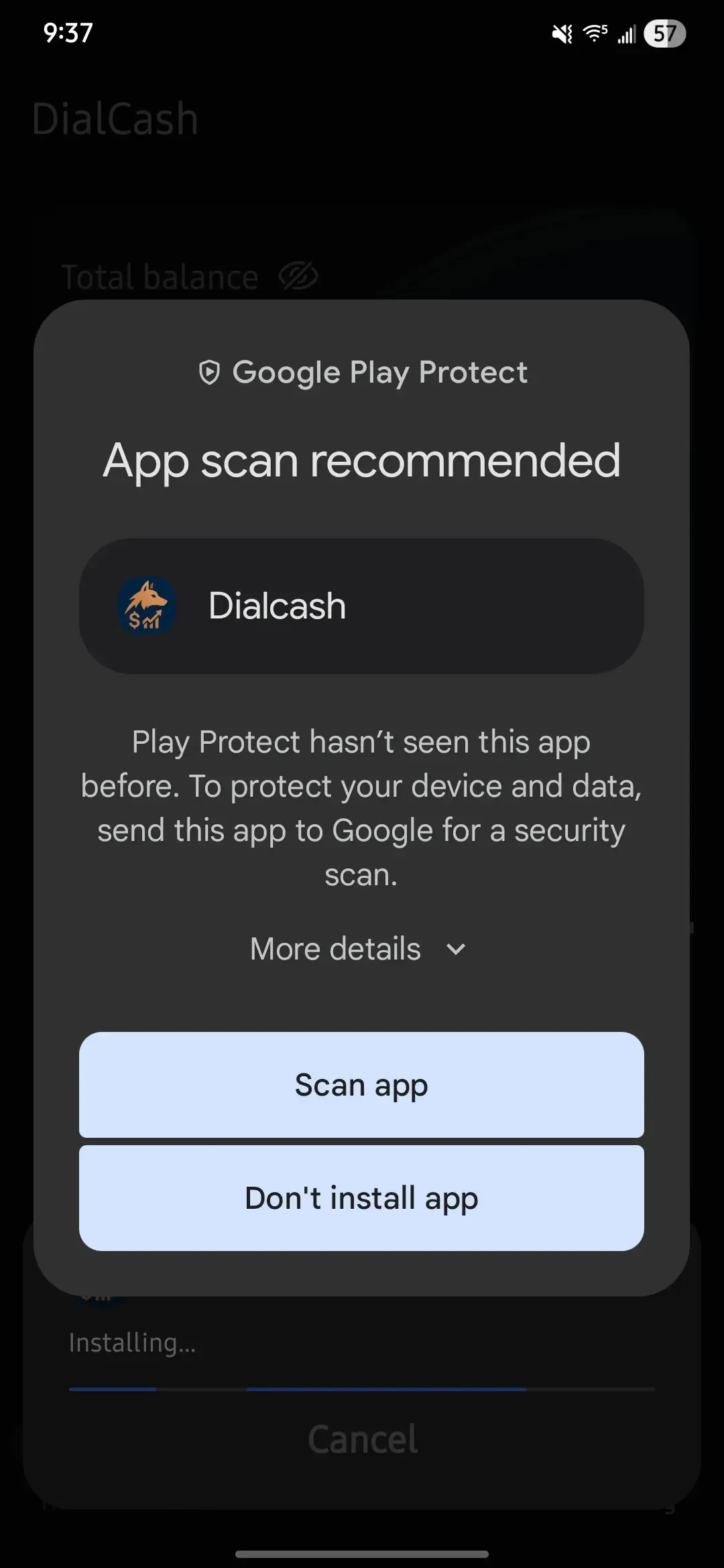
If Google Play Protect appears asking to scan the application, you can either scan it or click 'More details' and choose 'Install anyway' for a faster process (Referencial Image).
This is an optional security scan. Dialcash is safe, but you can scan it if you prefer.
Install the Application
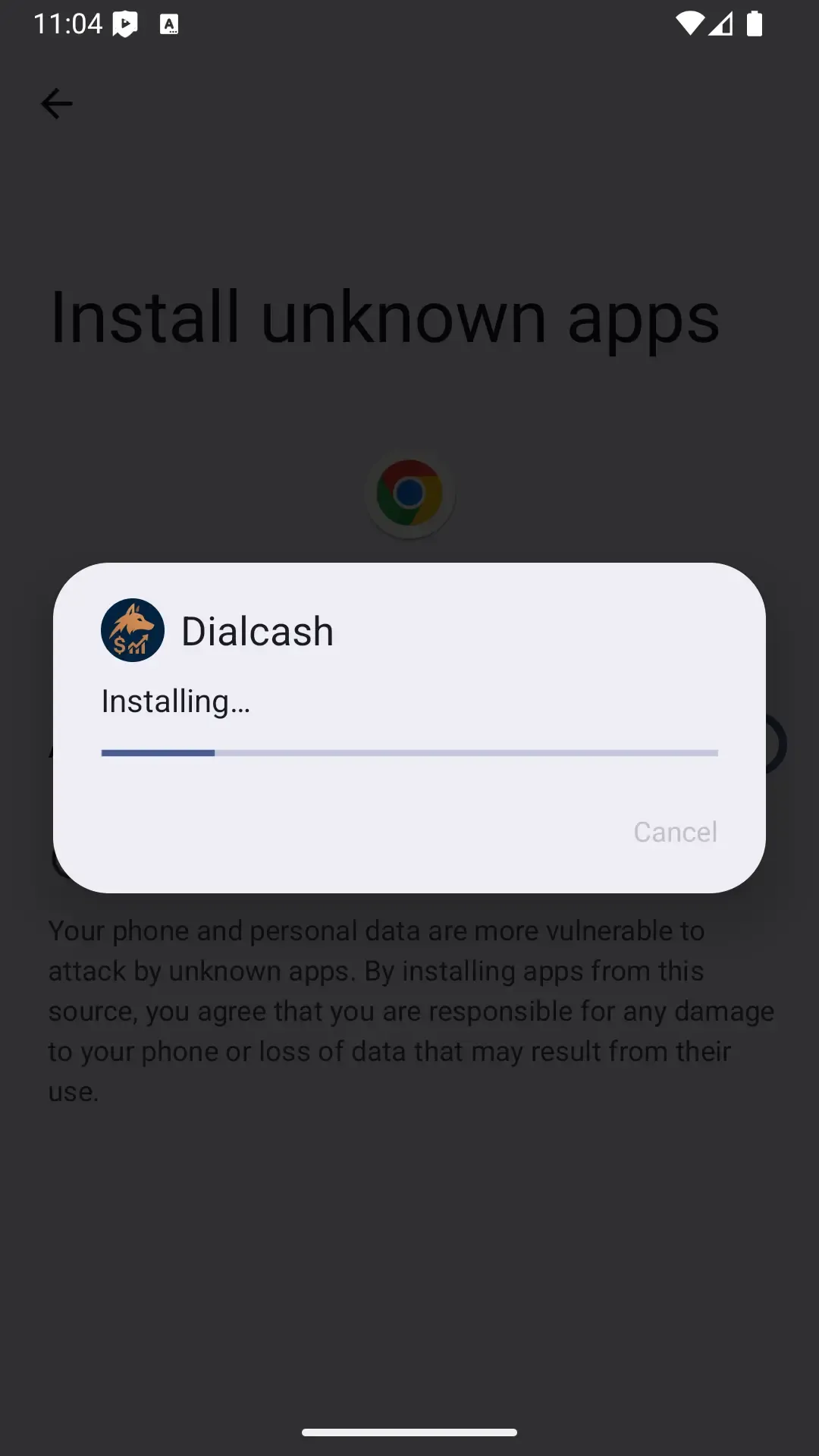
Once you've granted permission, proceed with the installation normally by tapping the 'Install' button.
The installation process typically takes less than a minute.
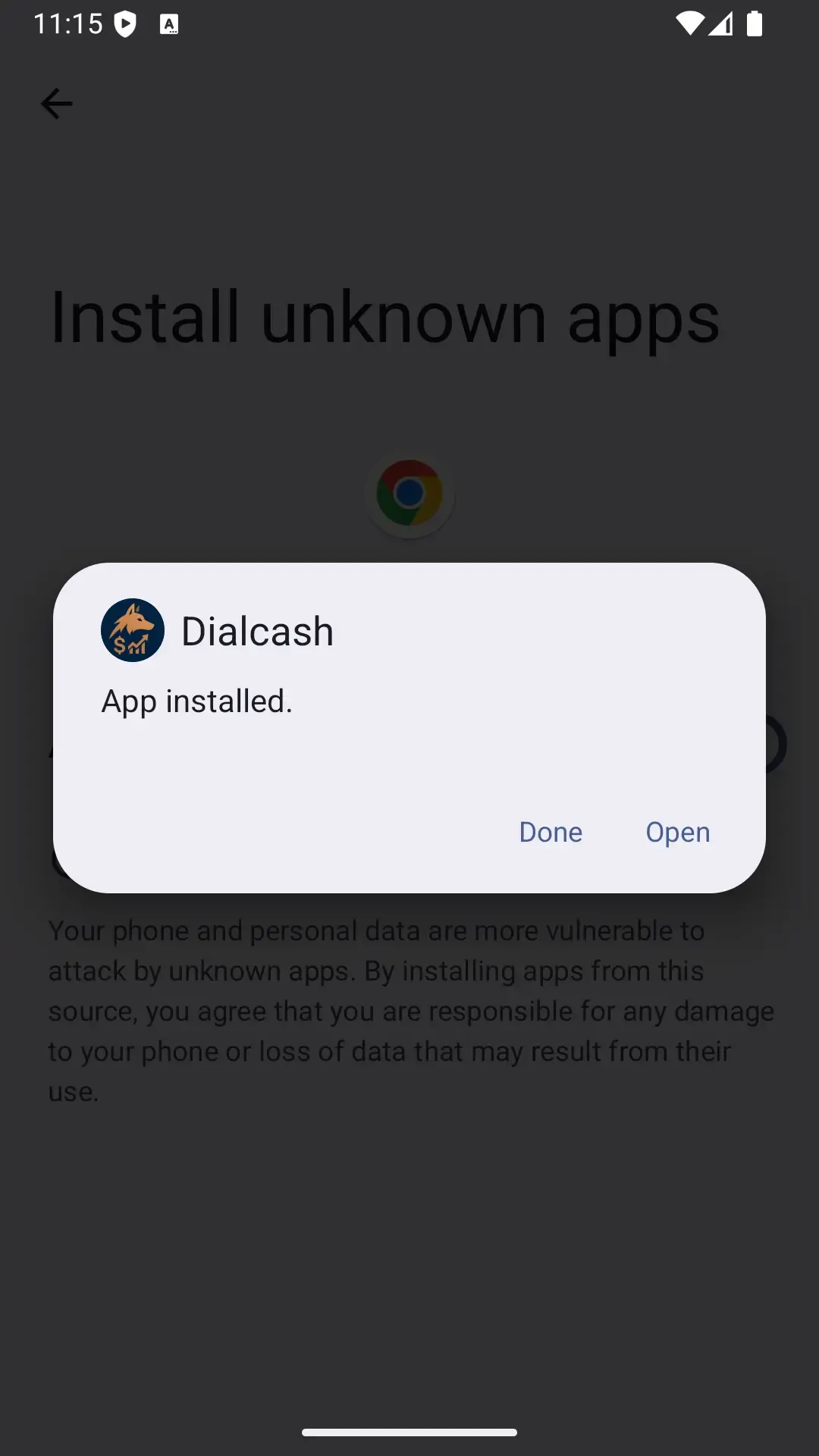
Open Dialcash
When the installation is complete, tap 'Open' to launch the app and start tracking your expenses.
You can also find the Dialcash icon in your app drawer.
Ready to Install?
Download the APK and follow these steps to start managing your finances
Download Dialcash APK