

Creating a Transaction
Learn how to properly record your expenses and income in Dialcash, understanding transaction types and key fields to track your money effectively.
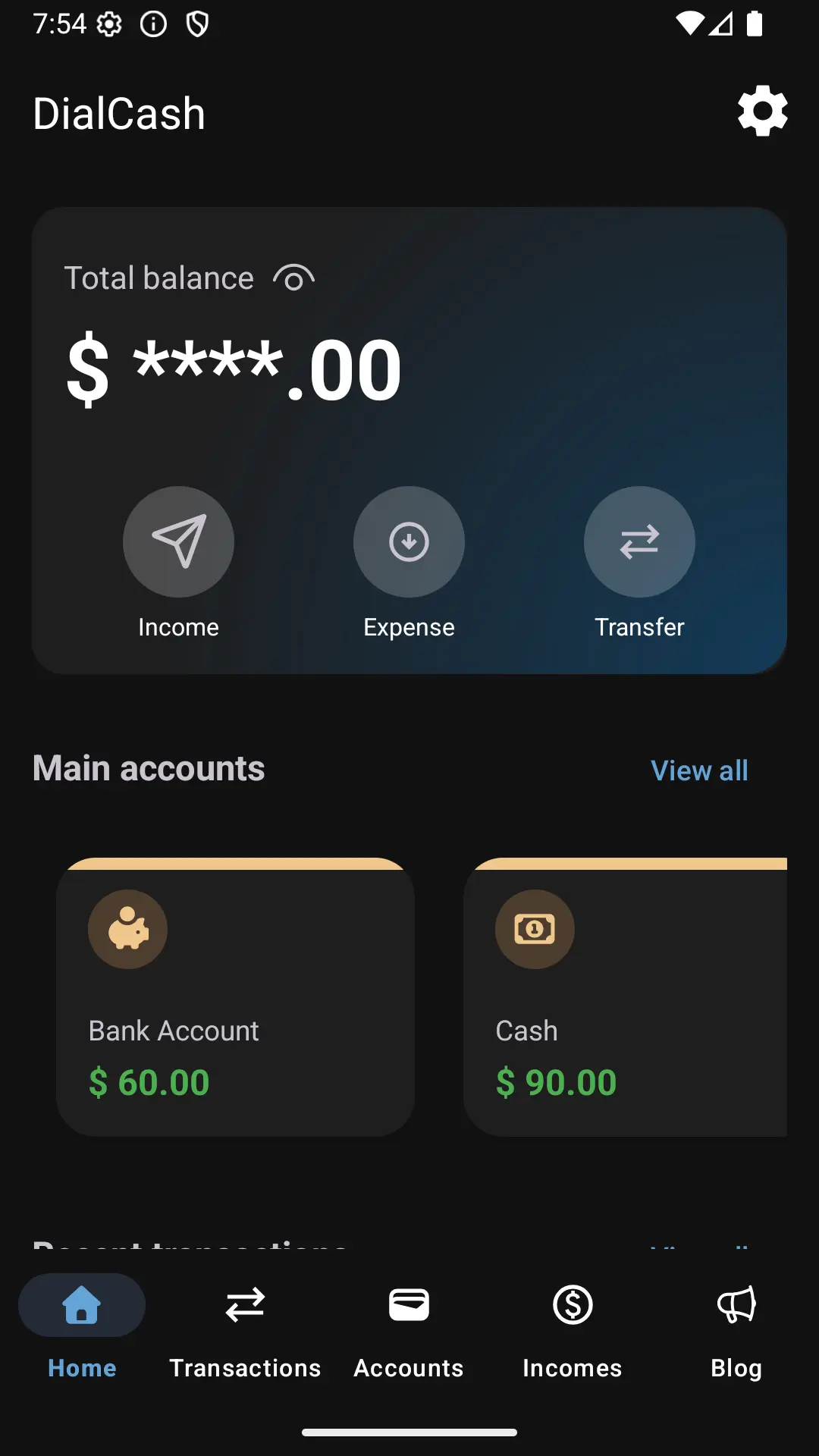
What is a Transaction?
In Dialcash, a transaction represents any money movement that affects your budget: whether it’s an expense, income, or transfer between accounts.
Recording your transactions properly is the foundation of financial clarity. Without data, there’s no control.
Available Transaction Types
Dialcash handles different transaction types to adapt to your daily financial reality:
💸 Expense
Used when money leaves an account.
Common examples:
- Daily purchases (groceries, gas, meals)
- Services and utilities
- Subscriptions
- One-time payments
Impact: Reduces your account balance and overall budget.
💰 Income
Used when money enters an account.
Common examples:
- Salary or wages
- Payments received
- Sales revenue
- Side income or freelance work
Impact: Increases your account balance and overall budget.
🔄 Transfer
Used when money moves between two of your accounts.
Common examples:
- Moving money from savings to checking
- Transferring funds between different banks
- Moving cash to digital wallet
Impact: Neutral to overall budget (decreases one account, increases another).
Each type affects your budget differently, but they’re all recorded through the same simple flow.
Required Fields When Creating a Transaction
When recording a transaction, Dialcash will ask for some key information:
📌 Amount
The quantity of money involved in the transaction.
Important: Always enter a positive value. The transaction type determines whether it adds or subtracts from your balance.
📅 Date
The date when the transaction occurred.
Default: Current date, but you can modify it if you’re logging a past transaction.
🏦 Source Account
Indicates which account the transaction affects.
Note: Some accounts can be marked as main accounts, which impacts your general budget calculation.
🏦 Destination Account (Transfers only)
Indicates which account receives the transferred money.
Required for: Transfer transactions only.
📝 Description (Optional)
A short note to remember the reason for the transaction.
Best practice: Not required, but highly recommended for future reference and analysis.
🗂️ Income Group (Income only)
Allows you to categorize income for future analysis and tracking of specific income sources.
Examples: Salary, freelance, sales, investments.
Best Practices for Recording Transactions
Following these simple habits will help you maintain accurate financial records:
⚡ Record Immediately
Log your transactions as soon as they happen. Fresh memories mean accurate records.
🎯 Focus on Consistency, Not Perfection
You don’t need to track every cent. What matters is building a consistent habit over time.
✅ Mark Main Accounts Correctly
Ensure your primary money accounts are properly marked to get accurate budget calculations.
📝 Add Meaningful Descriptions
A few words can help you remember context months later: “Coffee with Sarah” vs just “Coffee”.
🗂️ Use Categories Wisely
Consistent categorization helps you understand spending patterns and make informed decisions.
Remember: Small habits → Better financial control 🚀
What Happens After Creating a Transaction?
Once created, the transaction automatically:
✅ Appears in your transaction history
View and manage all your financial movements in one place.
✅ Updates the account balance
Your account balance reflects the change immediately.
✅ Affects your general budget (if applicable)
Main accounts contribute to your overall budget calculation.
✅ Enables analysis and insights
Categorized transactions help you understand spending patterns over time.
This allows Dialcash to show you a clear, up-to-date picture of your money at all times.
Next Steps
Now that you know how to create transactions:
- Practice regularly to build the habit
- Explore categories to organize your spending
- Review your history to understand your financial patterns
- Set up your main accounts for accurate budget tracking
The more consistent you are with recording transactions, the more valuable insights Dialcash can provide about your financial health.
Visual Guide
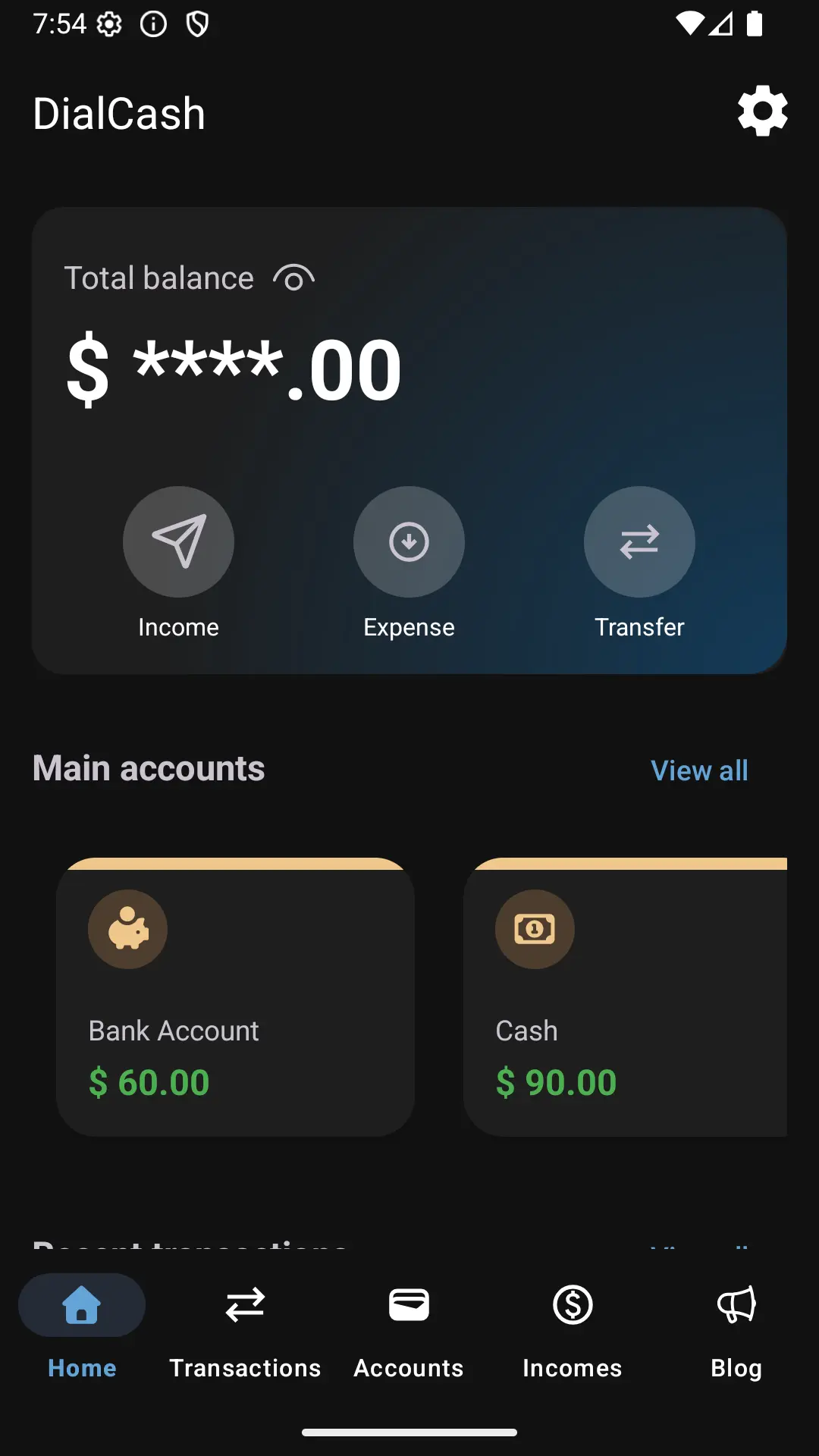
Creating a new transaction
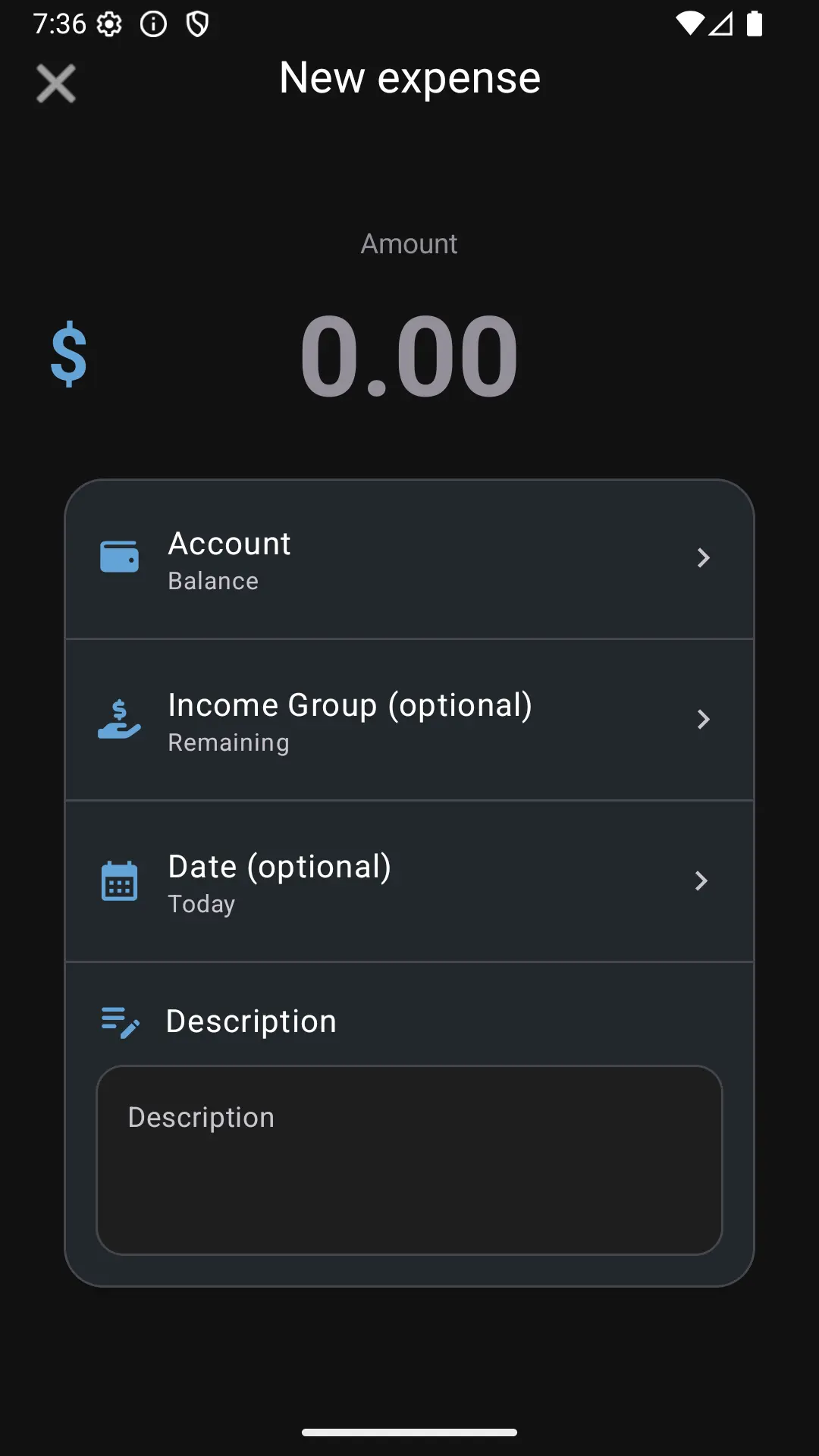
Adding an expense
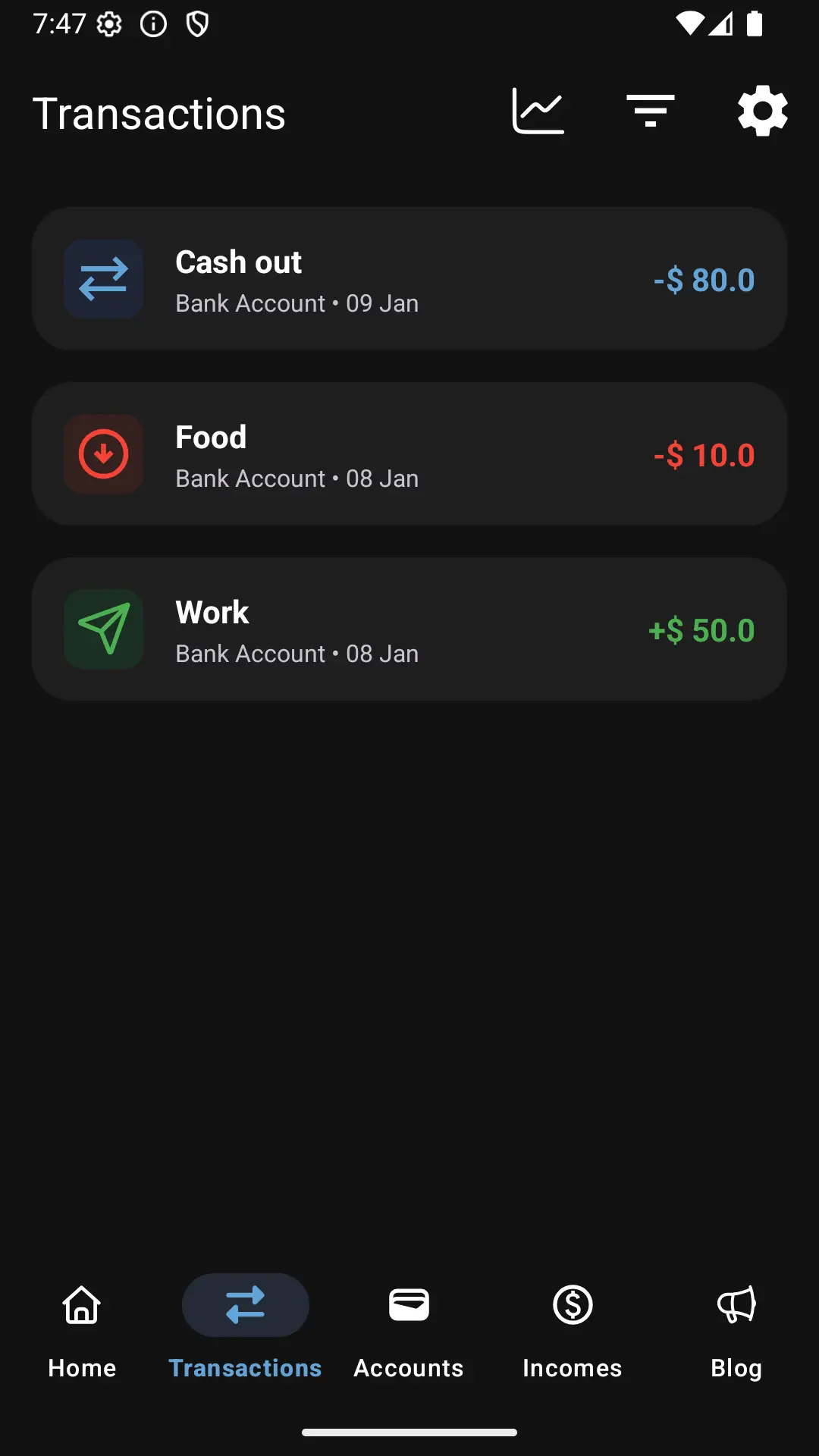
Viewing the transactions list