

Transfers Between Accounts
Learn how to move money between your accounts in Dialcash and how these transfers affect (or don't affect) your budget.
What is a Transfer?
A transfer in Dialcash represents the movement of money between two of your own accounts.
It’s not an expense or income. It’s simply moving money from one place to another.
Example:
- Moving money from bank to cash
- Transferring from a digital wallet to a savings account
The total amount remains the same.
When to Use a Transfer
Use transfers when:
- You withdraw cash from the bank
- You move money between personal accounts
- You organize your money in different accounts
Don’t use transfers for:
- Purchases
- Payments
- Actual income
For those, use regular transactions.
How to Record a Transfer
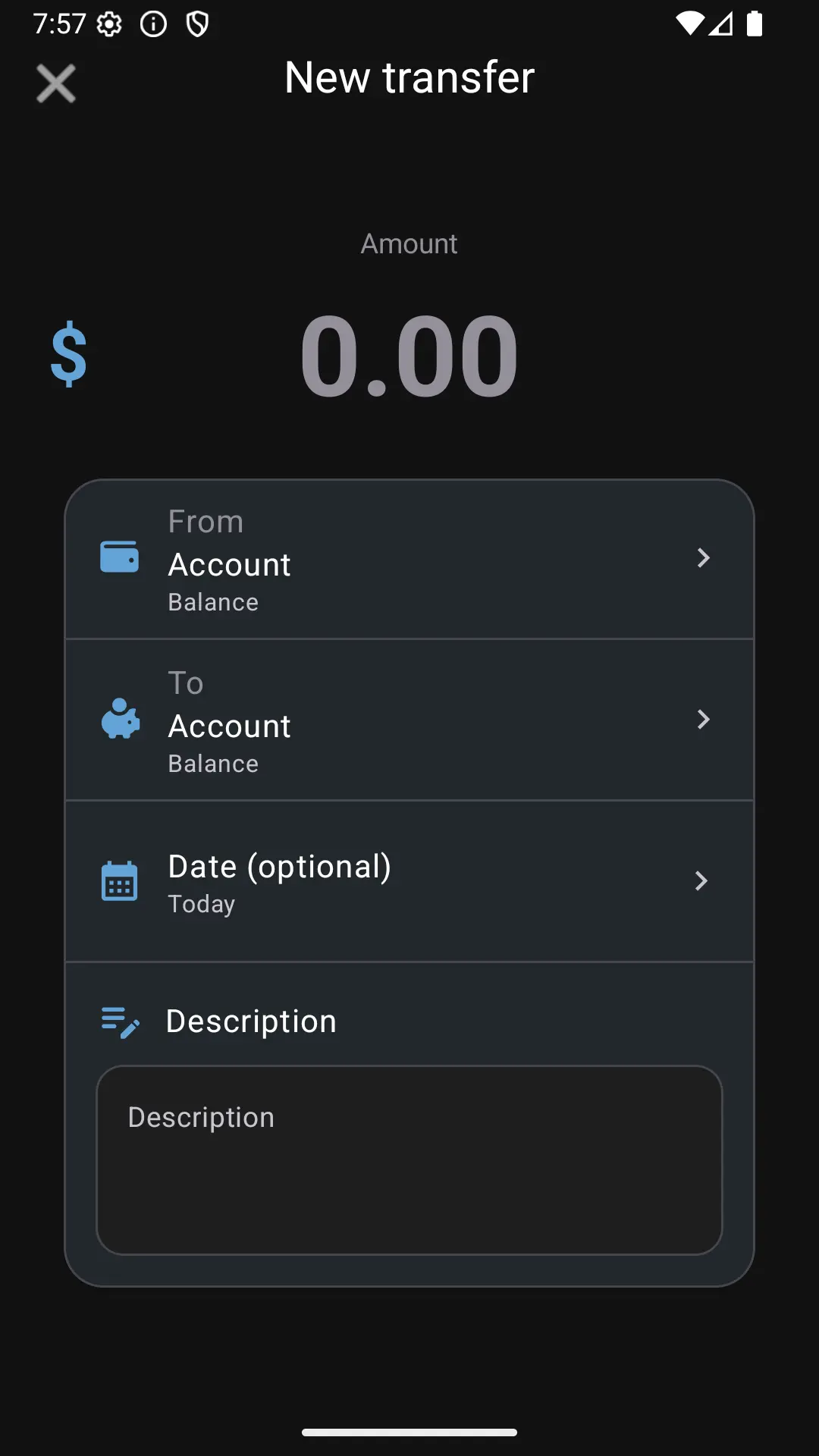
When creating a transfer, Dialcash will ask for:
🏦 Source Account
The account where the money comes from.
🏦 Destination Account
The account that receives the money.
💰 Amount
The quantity you want to transfer.
📅 Date
By default, the current date, but you can modify it.
📝 Description (optional)
Useful for remembering the reason for the transfer.
How a Transfer Affects Your Accounts
When you make a transfer:
- The source account balance decreases
- The destination account balance increases
Both changes happen at the same time.
Do Transfers Affect the Budget?
It depends on the types of accounts involved:
🔹 Between Two Main Accounts
The budget doesn’t change
(You just moved the money)
🔹 Between a Main and Non-Main Account
The budget does change, because:
- Money enters or leaves the main accounts group
This is normal and expected.
🔹 Between Two Non-Main Accounts
The budget doesn’t change
Common Mistakes
❌ Recording a Transfer as an Expense
This incorrectly reduces your budget.
❌ Recording a Transfer as Income
This inflates your available money.
If this happens, you can edit or delete the transaction without problem.
Best Practices
- Use transfers only to move money between your accounts
- Review which accounts are main accounts
- Use the description for greater clarity
Transferring correctly avoids confusion later.
Summary
- A transfer is neither an expense nor income
- It only moves money between accounts
- The budget only changes depending on the accounts involved
Understanding this keeps your financial control clean and accurate.
Visual Guide
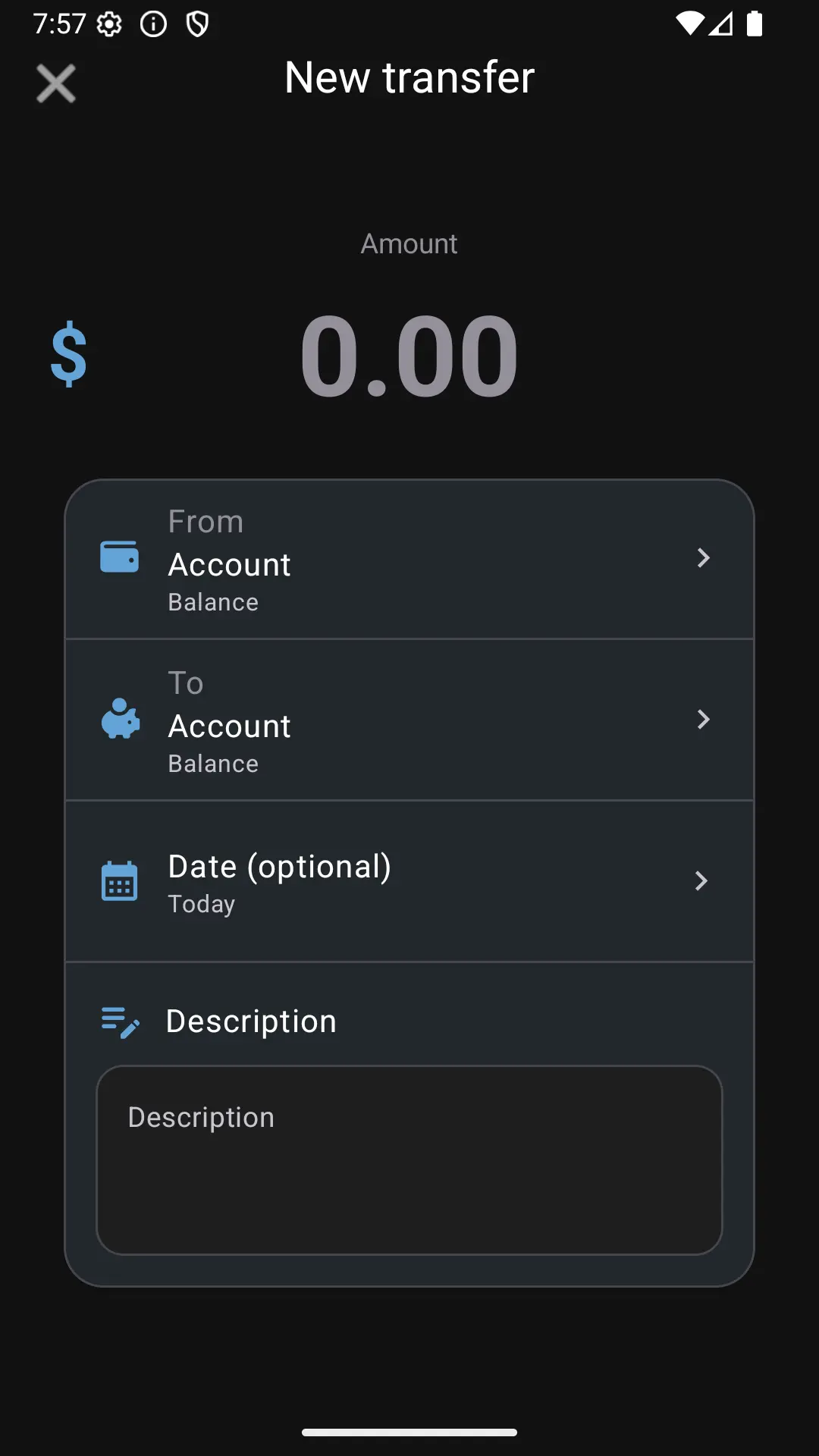
Creating a new transfer between accounts