
Edit or Delete a Transaction
Learn how to view transaction details in Dialcash and when to edit or delete them without affecting your financial control.
Accessing Transaction Details
In Dialcash, all your transactions are accessible for review.
You can view transaction details by:
- Tapping a transaction in the recent movements list
- Or selecting it from the complete transaction list
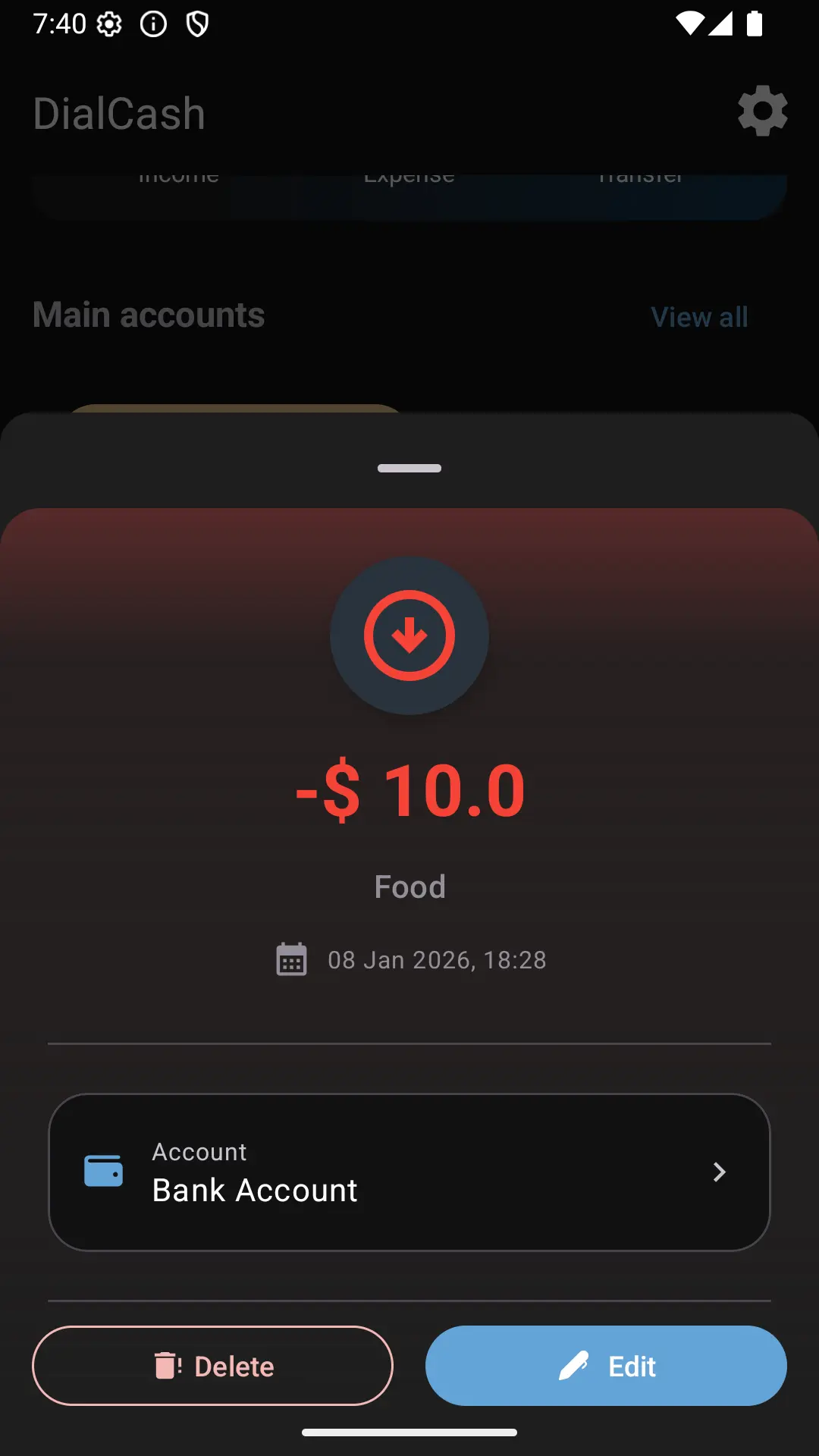
Tapping on a transaction opens a view with all its information.
Available Information in a Transaction
In the detail view you can see:
- The amount
- The type (expense or income)
- The date
- The associated account
- The description (if one was added)
This view allows you to confirm everything is correct before making changes.
Editing a Transaction
Editing a transaction is useful when:
- You made a mistake in the amount
- You chose the wrong category
- You recorded the transaction in the wrong account
- You need to correct the date
When you edit a transaction:
- The account balance updates automatically
- The budget recalculates if the account is a main account
You don’t need to delete and create again; editing is sufficient.
Deleting a Transaction
Deleting a transaction is recommended when:
- The record was a mistake
- You duplicated a movement
- The transaction never actually occurred
When you delete a transaction:
- The account balance adjusts
- The budget reflects the correct state again
Deleting doesn’t damage your information; it simply reverses that movement.
Edit or Delete?
A simple rule:
- ✏️ Minor error → Edit
- ❌ Incorrect record → Delete
Both options are safe and designed to correct human errors.
Changes Reflected in Real Time
Any edit or deletion:
- Reflects immediately in the history
- Updates the account balance
- Adjusts the budget if applicable
There are no extra steps or hidden confirmations.
Best Practices
- Review your transactions frequently
- Correct errors as soon as you detect them
- Don’t be afraid to edit or delete
Dialcash is made to adapt to you, not to punish you for making mistakes.
Summary
- You can access the details of any transaction with a tap
- Editing and deleting are safe actions
- The system adjusts automatically
Controlling your money also means being able to correct it.
Visual Guide
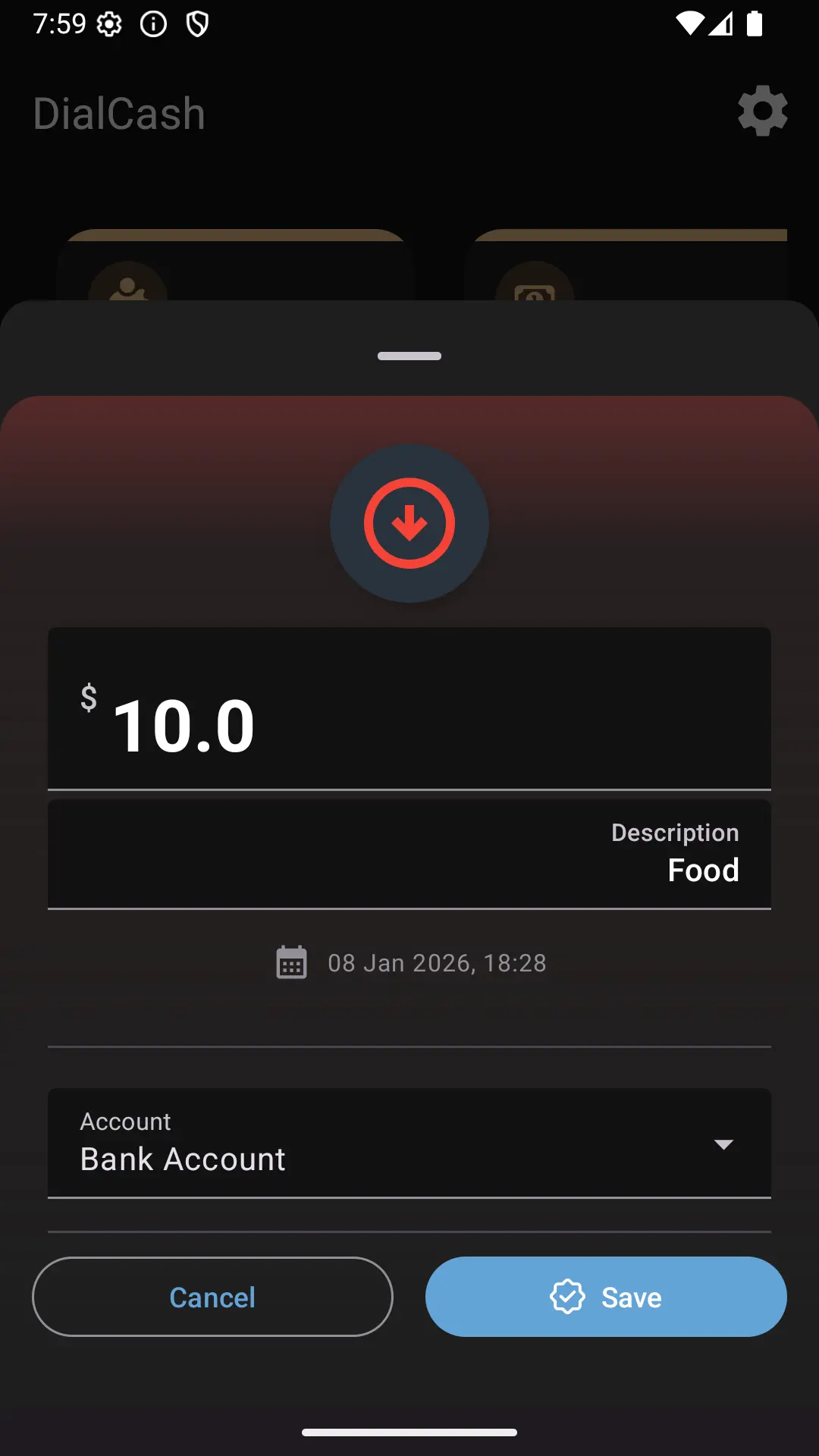
Editing a transaction
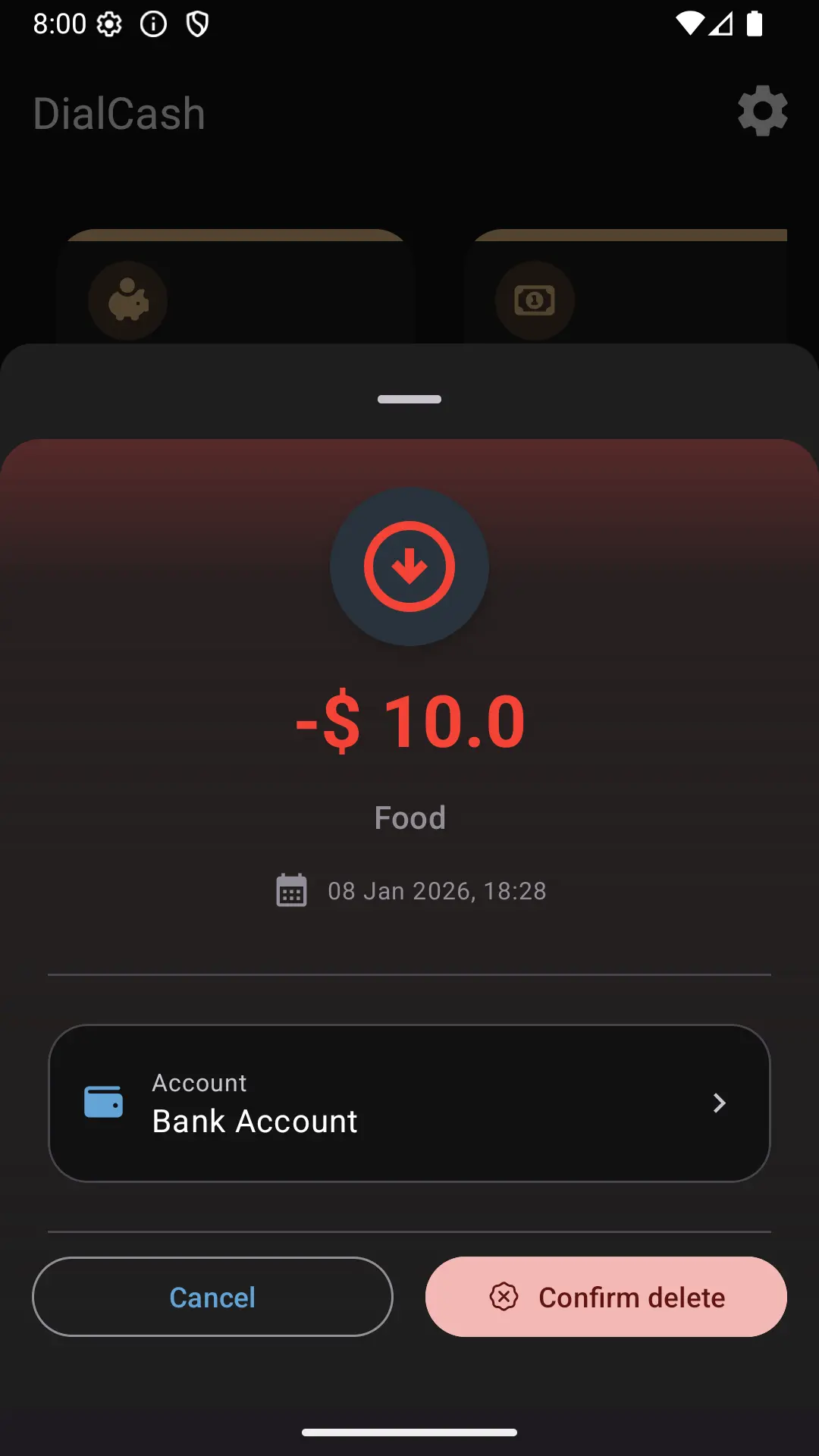
Confirming deletion of a transaction