

Deleting Your Account
Learn what happens when you delete your account in Dialcash and why it's important to create a backup first.
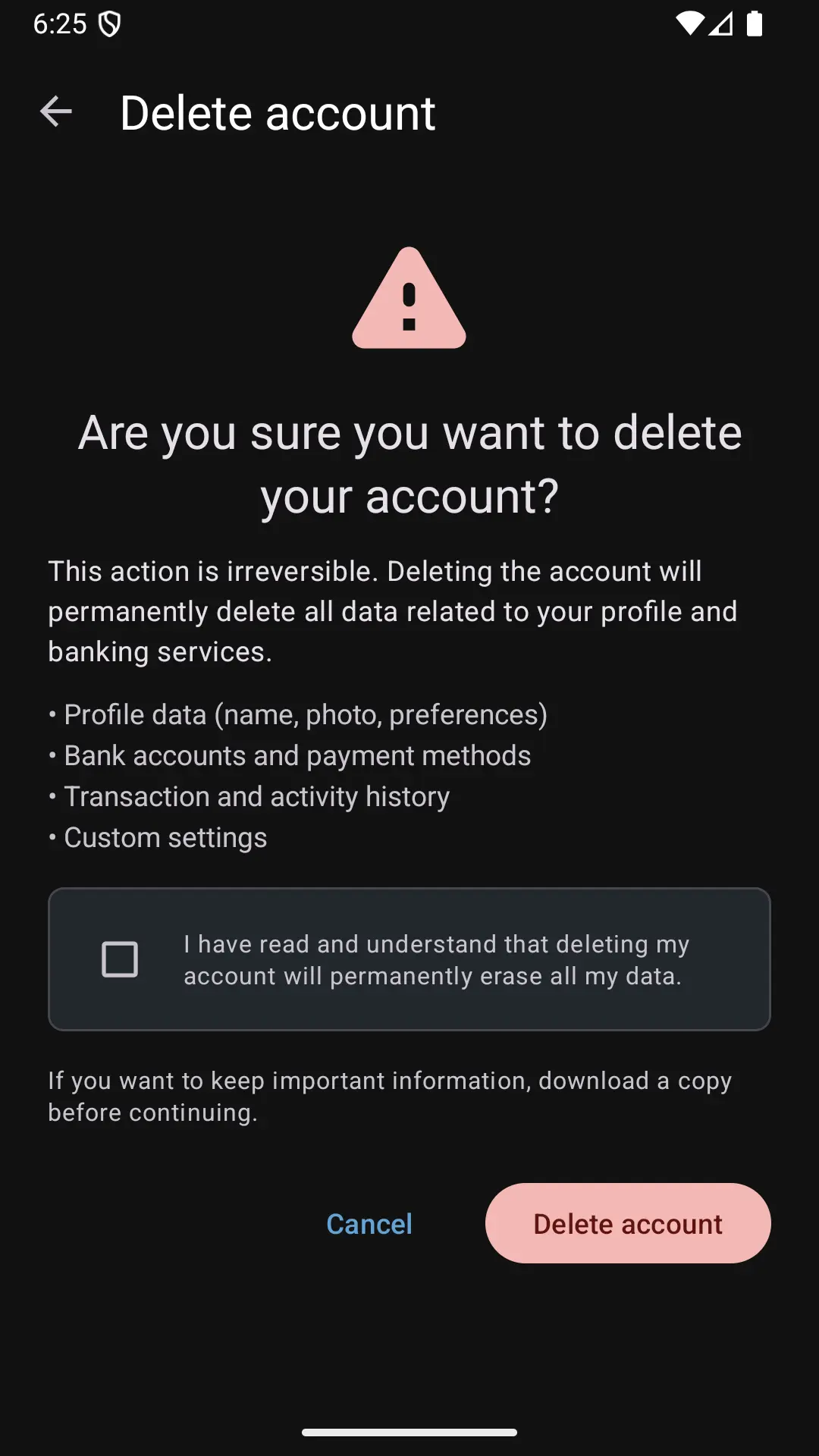
What Does “Delete Account” Do?
Deleting your account in Dialcash completely resets the application.
This means it deletes:
- All created accounts
- All transactions
- Transfers between accounts
- Complete history
- Internal configuration
Dialcash becomes as if it was just installed.
Important Before Continuing
Dialcash works 100% locally.
There is no:
- Cloud accounts
- Servers
- Automatic synchronization
If you delete your account without a backup, the data is lost permanently.
Recommendation: Create a Backup First
Before deleting your account:
- Go to Settings
- Enter Data Backup
- Accept the confirmation checkboxes
- Select a secure folder
- Save the backup file
This file can be used later to restore all your information.
How to Delete Your Account
- Open Settings
- Enter the Account section
- Select Delete Account
- Read the warning message
- Confirm the action
Once confirmed:
- The application restarts
- Local data is deleted
- Dialcash starts from scratch
What Happens After
If You Have a Backup
You can restore your data from: Settings → Restore Backup
Once restored, you can:
- Unlink the file
- Use a new one
- Or delete it if it’s no longer needed
If You Don’t Have a Backup
The data cannot be recovered.
That’s why this option is intended only for:
- Starting from scratch
- Correcting an inconsistent state
- Completely changing how you use the app
When to Use This Option
Use Delete Account only if:
- You want to completely restart Dialcash
- You already created a backup
- You know you will lose current data
Without a backup, this action is irreversible.
Common Mistakes
❌ Deleting without backing up
Result: permanent data loss.
❌ Thinking it’s like logging out
This isn’t a logout; it’s a complete reset.
❌ Forgetting where the backup was saved
Result: useless backup.
Best Practices
- Always create a backup before deleting
- Verify the backup file exists
- Save the file in a secure and accessible place
- Only use this option when strictly necessary
Deleting your account is a serious action that requires precaution.
Summary
- Deleting your account resets Dialcash completely
- Without a backup, data is lost forever
- This action is irreversible
- Always create a backup first
Use this option consciously and with preparation.